
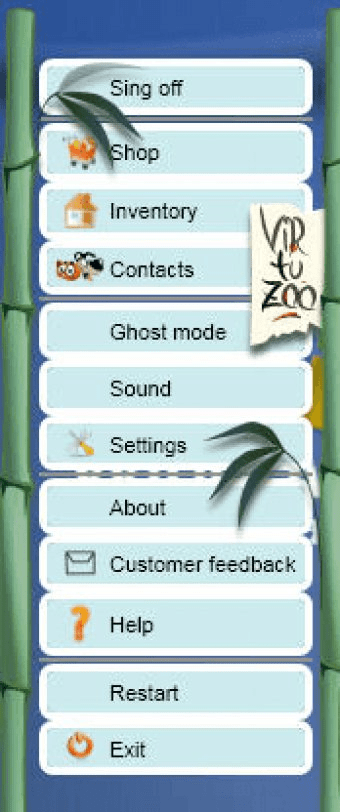
VirtuZoo is an icon located in the bottom-right corner of your desktop. When left-clicked, it will change the ghost-mode, and when double-clicked, it will open a contact list. This contact list allows you to start chats, send gifts, search for new friends, and access other options. The "Inventory" item in the menu will open a window that displays all the units you have, and allows you to enable or disable the units' appearance on your desktop. The "Shop" menu item lets you buy new units.
In the bottom-right corner of your desktop you can find VirtuZoo icon. Left-clicking on it change ghost-mode, double-click opens contact list. In the menu you get one-click access to some settings, and also to other options.
So, "Inventory" item opens window, where you can see all units you have at the moment. Also, you can enable or disable appearence of units on desktop from thiswindow.
"Shop" menu item lets you buy new units. "Contacts" menu item opens you contact list. From there you can start chats, send gifts, search for new friends etc.





Comments